Sheng Academy Website
Tuition center website with an admin editing layer for non-technical staff to edit pages, manage blogs, tutors, and testimonials, and update media without redeploys.
- Last significant update
- May 2024
- Status
- Shipped
- Tech
- React, TypeScript, CSS, Tiptap, Cloudflare Pages, Cloudflare R2, Cloudflare Access
- Links
- Live demo
Overview
I built an end-to-end website for Sheng Academy, a tuition center, to serve as their public-facing site alongside a lightweight admin editing experience for staff. The public site is accessible to parents and students, while the admin interface is protected by Cloudflare Access, enabling non-technical staff to keep the website up to date without developer involvement.
The site is built with React and TypeScript and deployed on Cloudflare Pages, with content and media stored in Cloudflare R2. Instead of adopting a traditional database-backed CMS, the project uses a JSON-driven content model persisted in object storage to keep hosting and maintenance overhead low while still supporting frequent content updates.
I treated this as a deliberate learning project. It was my first full end-to-end build in React, and I implemented the UI and UX with custom CSS, without a component library, to strengthen my layout, responsiveness, and interaction design fundamentals.
Demo (Admin editing)
Live site: Sheng Academy
Admin access: Protected by Cloudflare Access and not publicly accessible
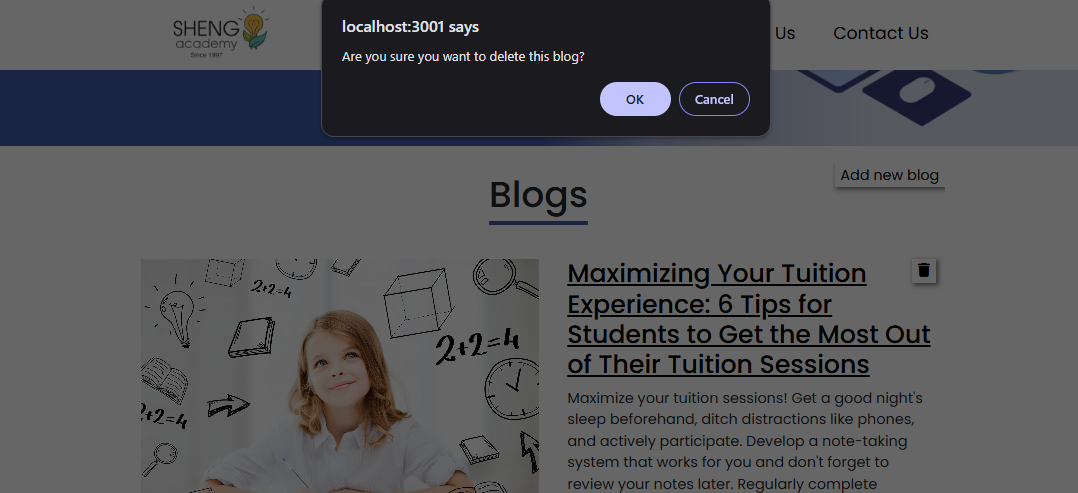
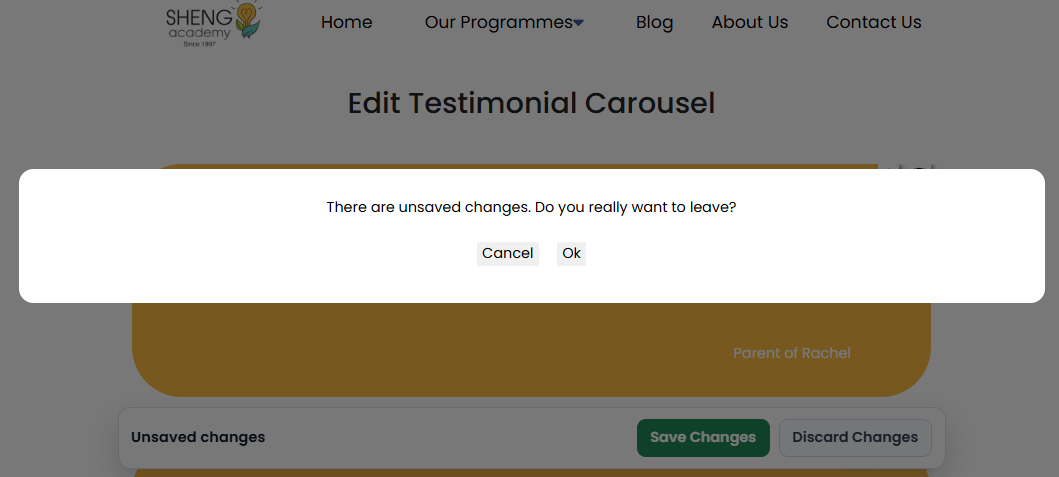
Global editor guardrails
- Confirmation prompts for destructive actions
- Unsaved changes bar that warns before leaving
1) Edit page content (rich text)
One-click editing for non-technical staff. Changes are staged until saved.
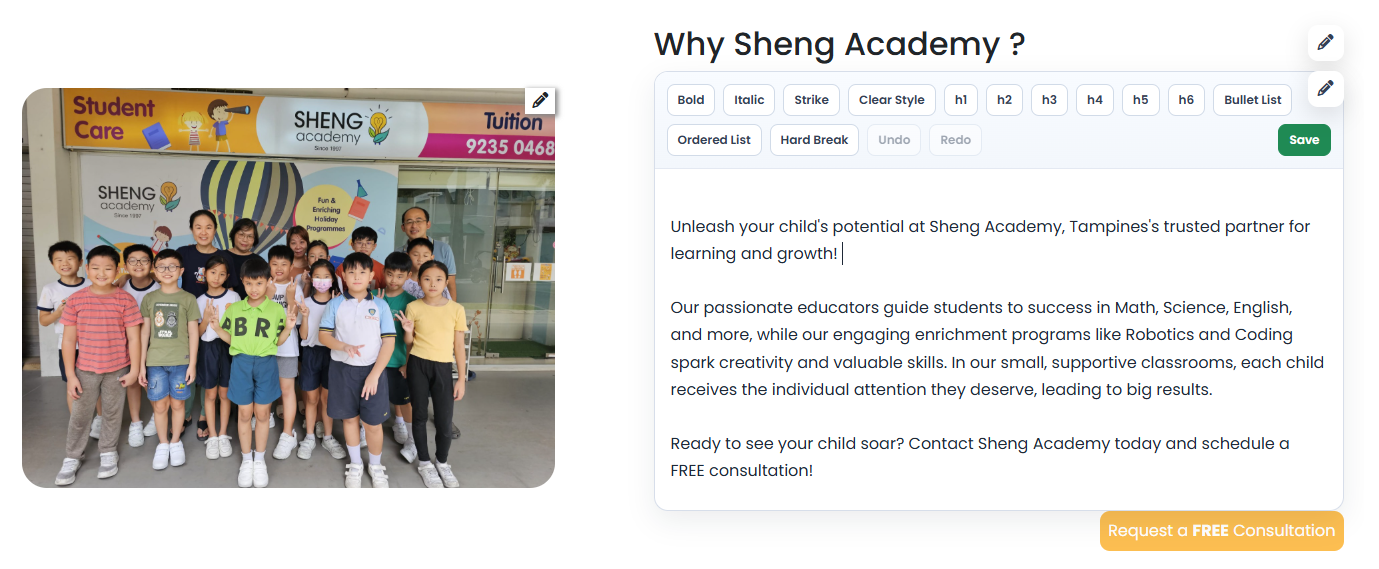
- Supports formatting, links, and structured content
- Explicit save workflow helps prevent accidental publishes
2) Carousel banner management
Manage carousel images and edit individual banner redirect links.
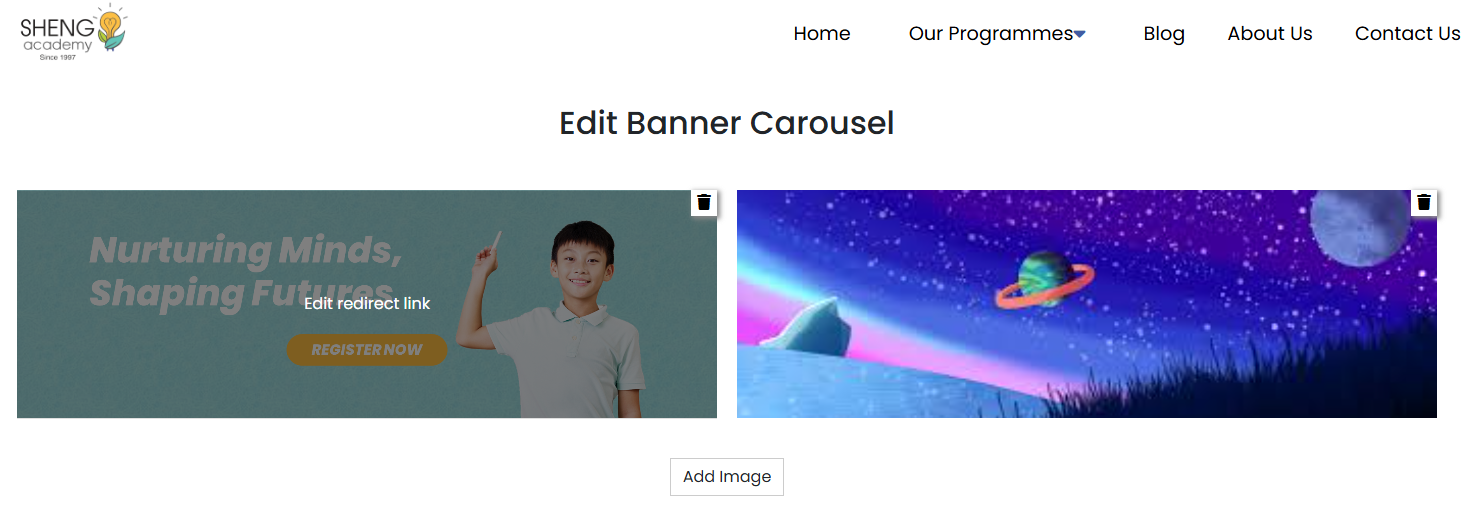
- Banner management, including add and remove
- Redirect link management, including edit
3) Manage testimonials
Manage testimonials and change display order.
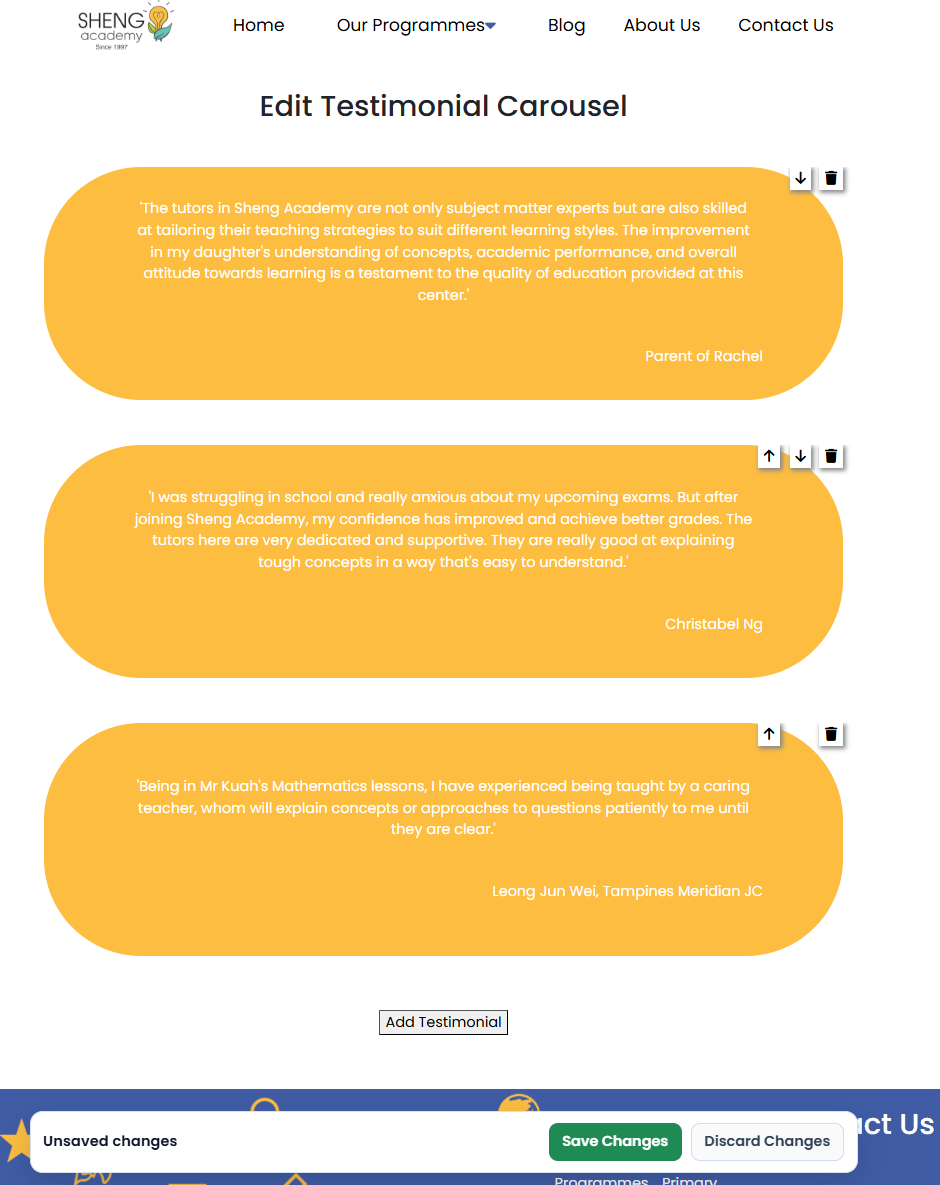
- Immediate preview of ordering changes
- Add and remove testimonials while controlling display order
4) Blog management
Create posts with images or remove posts.
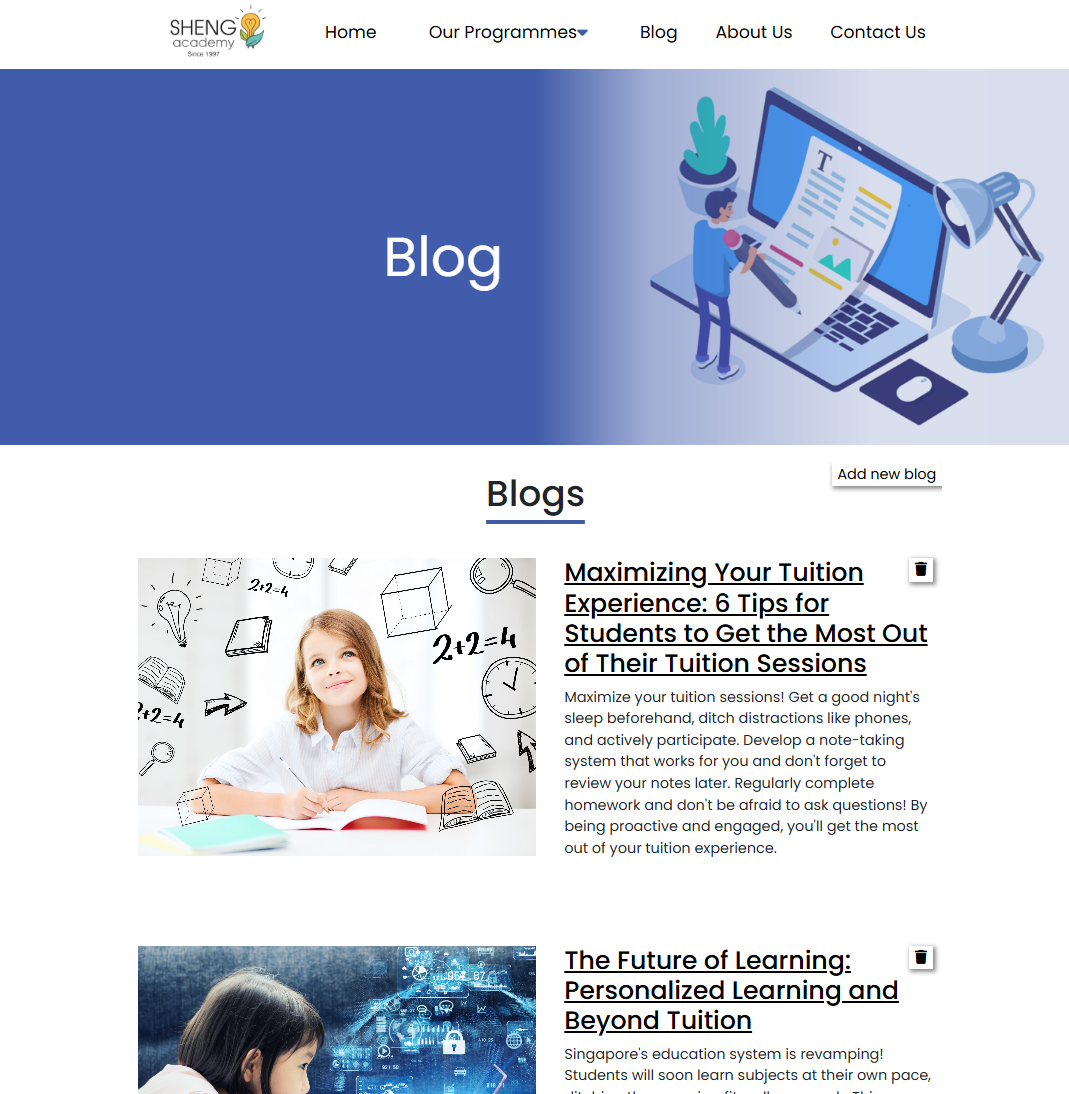
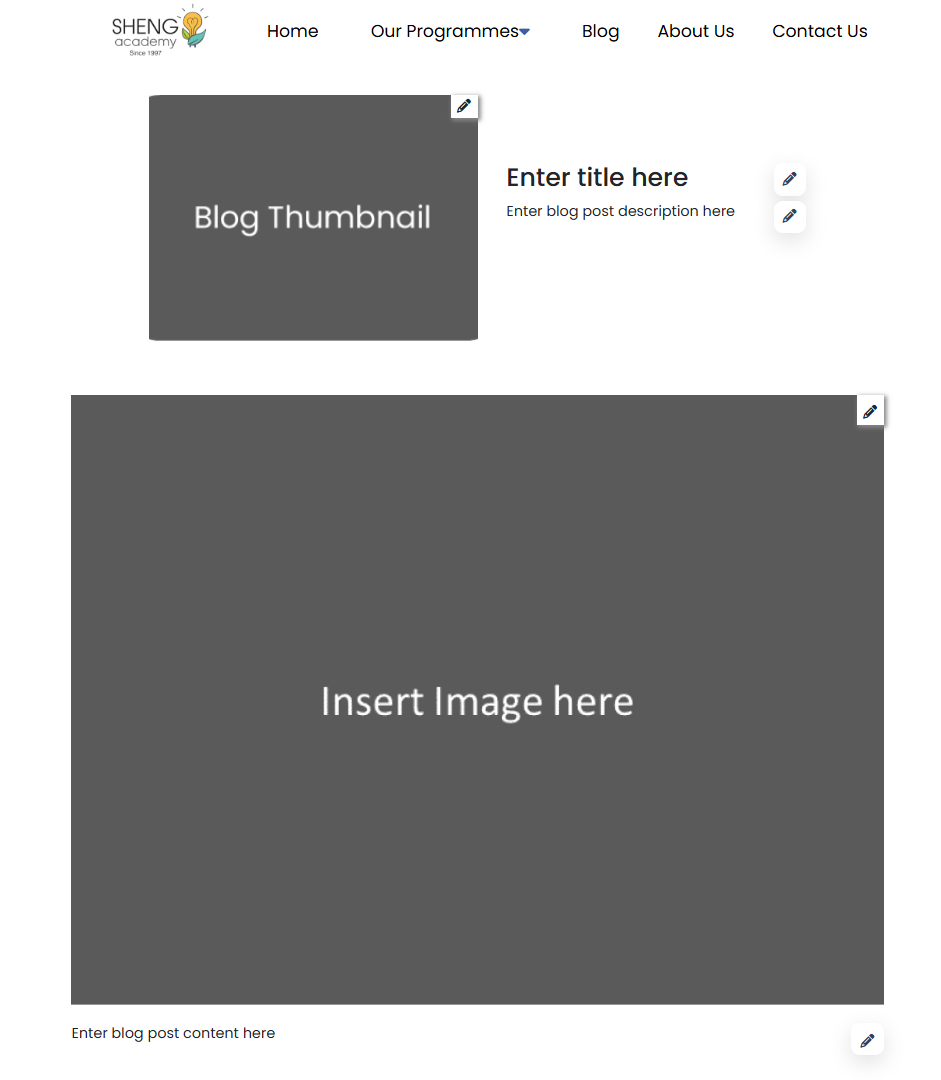
- Simple workflow designed for staff
- Media assets managed alongside post content
5) Tutor management
Add tutors, edit profiles and images, and control ordering on public pages.
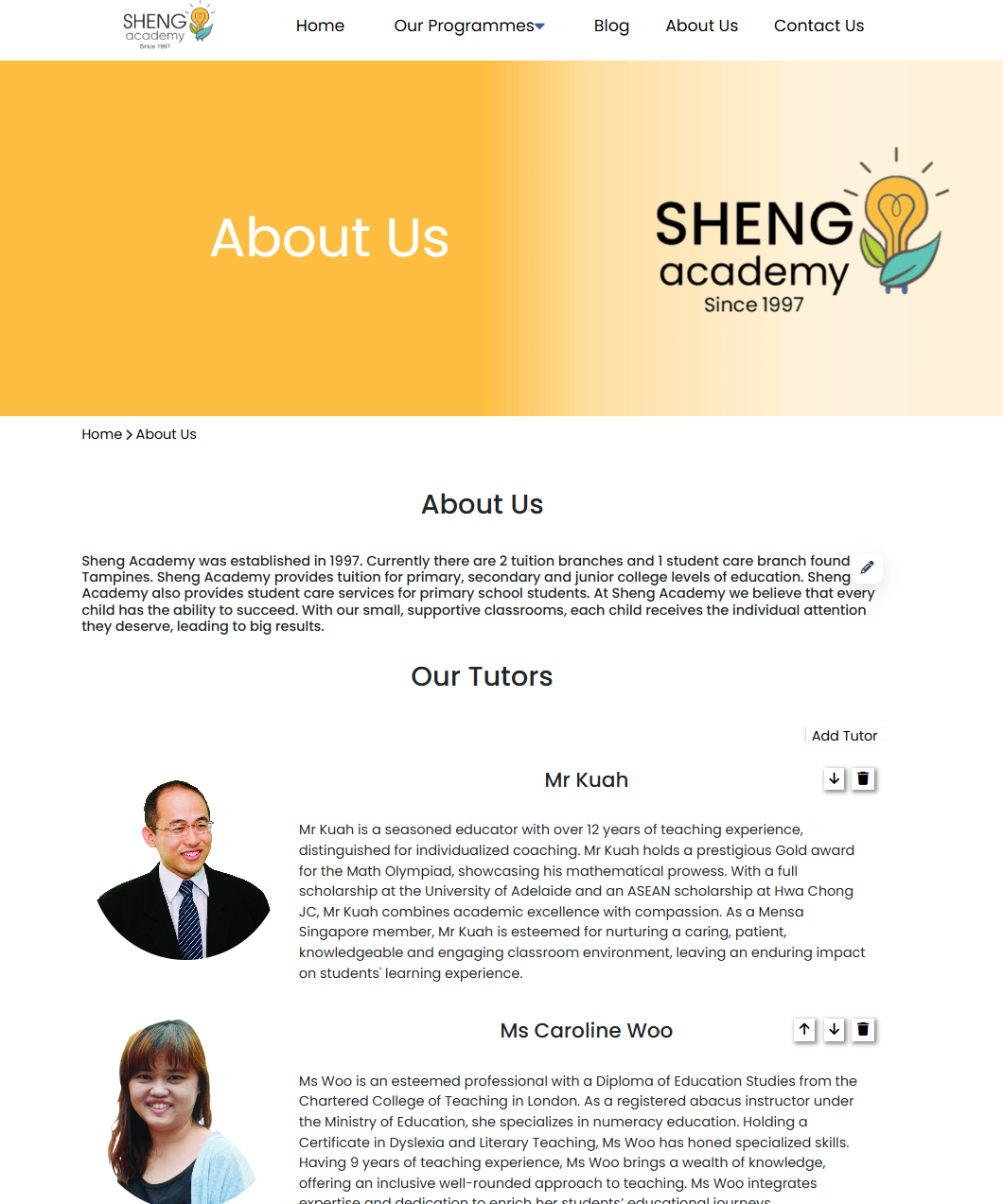
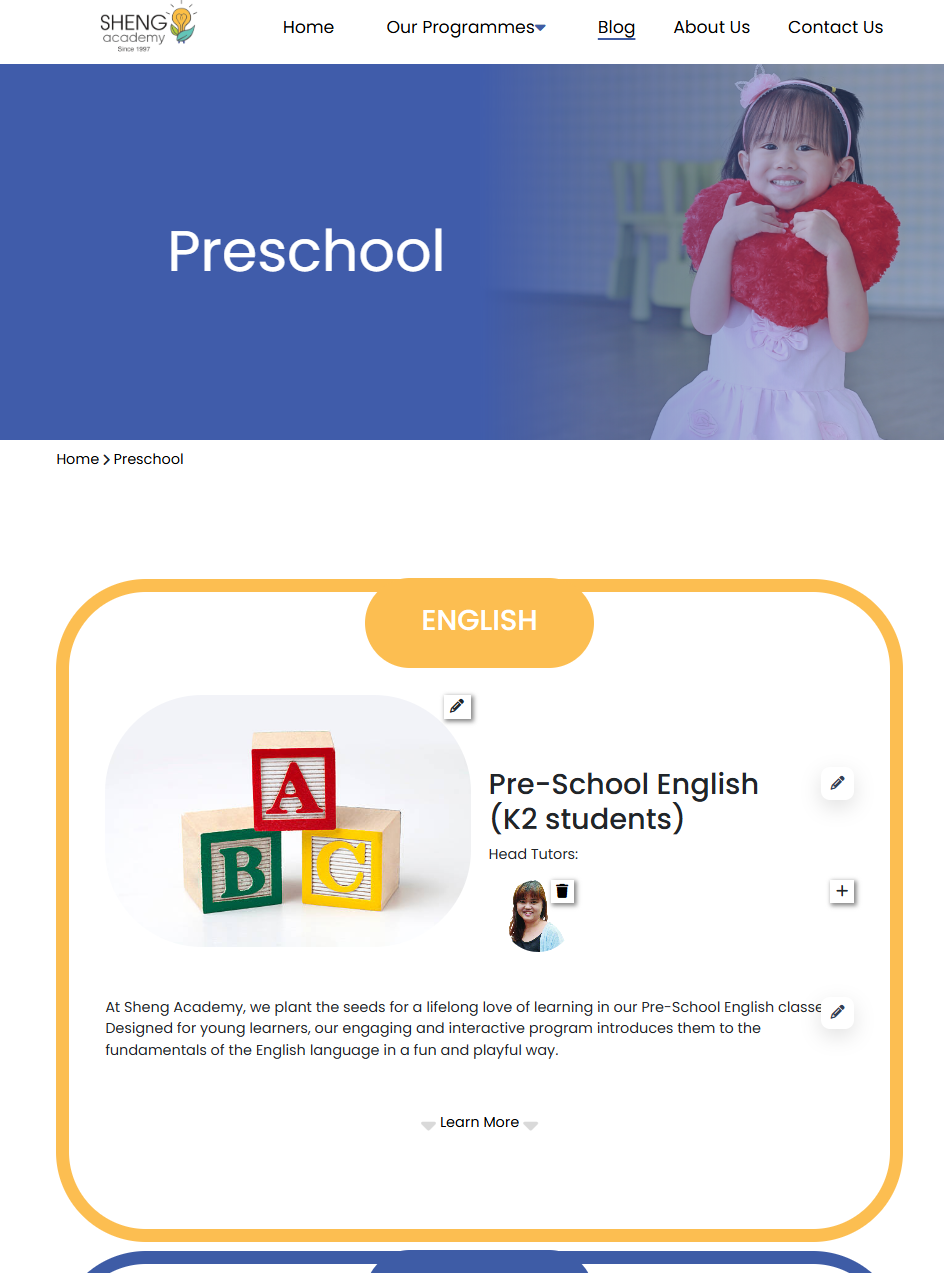
- Add and reorder tutors
What I built
- Public website: Built the public-facing site with core information architecture including home, programme pages, tutors, testimonials, contact, and blog for parent and student discovery.
- Admin editing interface: Built an admin experience protected by Cloudflare Access so non-technical staff can update the site without touching code.
- Rich text and structured content editing: Added editing flows for page write-ups and programme content.
- Blog management: Built blog workflows with support for inserting and updating images.
- Media management: Added workflows for uploading, replacing, and removing images used across banners, programme pages, tutor profiles, and other site sections.
- Ordering controls: Implemented ordering controls where needed, such as tutors and other repeated content blocks, so staff can control what appears first on the public site.
- Editor guardrails: Built reusable protections across the admin UI, including staged changes, save and discard workflow, unsaved-change warnings on navigation, and confirmations for destructive actions.
- JSON-driven content architecture: Used a JSON-driven content model backed by object storage, with page and blog content stored as JSON documents and media assets stored in Cloudflare R2. The website is deployed as a static React app on Cloudflare Pages.
Key decisions
- Use custom CSS instead of a component library: I intentionally implemented the UI and UX using pure CSS rather than relying on a UI kit because I wanted this project to be both a freelance engagement and a deliberate learning experience.
- Use a JSON-driven content model instead of a traditional CMS: Rather than introducing a full backend, database, and CMS, I stored the site’s editable content in structured JSON. The tuition center wanted a lightweight, low-cost solution with minimal maintenance. A JSON plus object storage approach avoids running and maintaining a database-backed CMS and keeps ongoing costs and operational complexity very low.
- Design admin editing for non-technical staff: The admin interface was built around a real operational constraint. Staff needed to manage the site without touching code. Instead of exposing developer-style forms or requiring manual file edits, I implemented purpose-built editing workflows with a rich text editor and media tools, allowing staff to create, edit, delete, upload, replace, and reorder content safely.
- Use Cloudflare R2 for both media and content persistence: I centralized persistence in R2. Images and content JSON are stored as objects, which works well for a site whose data is mostly assets and page copy. This also keeps costs low and avoids maintaining a separate database for essentially static content.
- Protect admin access at the edge with Cloudflare Access: Instead of building authentication and role management into the app, I relied on Cloudflare Access to restrict the admin interface. This reduced application complexity while still ensuring that only authorized staff can access editing routes.
Constraints & limitations
- Lightweight architecture by requirement: The solution was intentionally kept lightweight to match a small business budget and maintenance constraints. This reduces operational overhead, but it also means some enterprise CMS features, such as workflows, audit logs, and complex permissions, were out of scope.
- Guardrails are implemented, but governance is still lightweight: The admin tools support safe insert, delete, and reorder workflows with confirmations and save or discard protections. Compared to a full CMS, advanced governance features such as item-level version history, diffing, and recovery tooling are limited unless added later.
- Large editable surface area requires consistency: Although the public site is simple, the admin tools can edit nearly everything, including pages, blogs, carousels, testimonials, tutors, and ordering. That means the content structure and editor UX need to stay consistent as new sections are added, otherwise maintenance complexity grows over time.
Setbacks / lessons learned
- The admin editor was the real complexity: Building the public site was straightforward. Building a safe edit-everything system for non-technical staff required much more careful thinking about data shape, editing flows, and rendering consistency across pages.
- Schema discipline prevents future pain: Once content becomes editable, the content model becomes part of the product. Standardizing data structures and reuse patterns early made it much easier to maintain and expand other parts of the site.
- Translating non-technical requirements into technical specifications: The main lesson from this freelance project was learning to convert non-technical feedback into actionable specifications, such as defining what is editable, how ordering and deletion should behave, and what success looks like before validating it through short iterations with the client.
Future considerations
- Add per-page and per-blog revision history with rollback support.
- Add concurrency safeguards, such as write warnings or locks, for multiple editors.
- Add schema validation and versioning so content can evolve more safely.